Having the latest Apple smartphone is amazing. But sometimes, emergency features can turn on by mistake. Learning how to turn off SOS on iPhone 17 helps you control your device better.
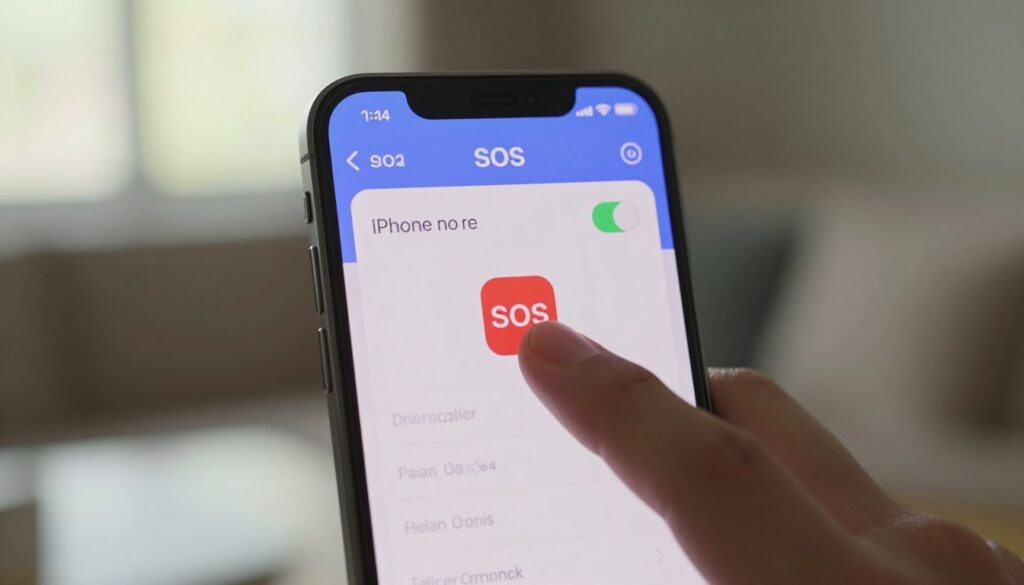
Many people want to change these settings to avoid unwanted alerts. You can easily find and change these settings in iOS. This makes your phone use smoother and more personal.
By following these steps, you can manage your phone better. You’ll learn how to change alert settings without losing safety features. Knowing how to do this lets you use your technology without worry.
Understanding Emergency SOS Settings on iPhone 17
The Emergency SOS feature on your iPhone 17 is a key safety tool. It quickly connects you to emergency services and alerts your contacts when you need help. Knowing how it works helps you manage your device settings confidently.
The Purpose of the Emergency SOS Feature
Apple created this feature to connect you with emergency responders in urgent situations. By pressing certain buttons, your phone calls local authorities and shares your location. This ensures help is always available, even if you can’t speak or use your screen.

Why Your iPhone 17 Might Trigger SOS Accidentally
Even though it’s useful, your phone might activate SOS by mistake. This can happen if it’s in a tight pocket, you press buttons by accident, or it’s in a crowded bag. If this happens, you might want to learn how to turn off SOS on your iPhone 17 to avoid false alarms.
These accidental triggers often happen because the buttons are very sensitive. If you keep experiencing these issues, you might choose to turn off the SOS feature on your iPhone. Finding out what physically triggers it is the first step to managing your phone’s sensitivity.
Safety Considerations Before Disabling Emergency Features
Before disabling SOS on your iPhone, think about the risks and benefits. This feature adds a layer of security that’s hard to find in other apps. If you decide to disable SOS, make sure you have another way to get help in emergencies.
Keeping access to quick help is important for many users. Think about your daily life and safety needs before changing these settings. Finding the right balance between your phone’s sensitivity and your need for safety is key to a safe and useful mobile experience.
Step-by-Step Guide to Turn Off SOS on iPhone 17
Controlling your iPhone 17’s emergency features is easy. Just a few taps are needed. You can turn off SOS on iPhone 17 and avoid unwanted alerts during your day.
Accessing Emergency Settings in iOS
First, unlock your iPhone and find the Settings app. Scroll down to Emergency SOS and tap it to open the menu.
This screen has all the tools to manage your safety alerts. To deactivate SOS on iPhone 17, start by navigating to this control panel.

Disabling Call with Hold and Release
The “Call with Hold and Release” feature can be triggered by accident. To disable it, find the toggle switch next to it.
Tap the switch to turn it off. When the toggle turns gray, you’ve successfully turned off SOS on iPhone 17 for this trigger.
This change stops SOS alerts when your phone is in your pocket or bag. You can always turn it back on if needed.
Turning Off Call with 5 Presses
The “Call with 5 Presses” feature can also be triggered by accident. You can disable emergency SOS on iPhone 17 by turning this setting off too.
Find the “Call with 5 Presses” option in the Emergency SOS menu. Tap the switch to deactivate it. This ensures your device won’t call from accidental button presses.
By following these steps, you can adjust your iPhone 17’s emergency call settings. Your device will only make emergency calls when you choose to.
Conclusion
Learning how to use your smartphone settings is key to a better daily experience. You now know how to turn off the emergency SOS feature on your iPhone 17. This lets you work without interruptions from accidental triggers.
To stop emergency SOS mode on your iPhone 17, just change the toggle switches in your system preferences. This is a great fix for those who accidentally turn it on too often. It makes sure your phone works just right for you all day.
It’s important to think about the good and bad of these changes. You might turn off SOS signal on your iPhone 17 to avoid false alarms. Remember, your safety needs can change over time.
You can always turn off the emergency call feature on your iPhone when needed. Changing these settings is quick if your situation changes. Feel free to share your experiences or ask about other iOS features to help others.